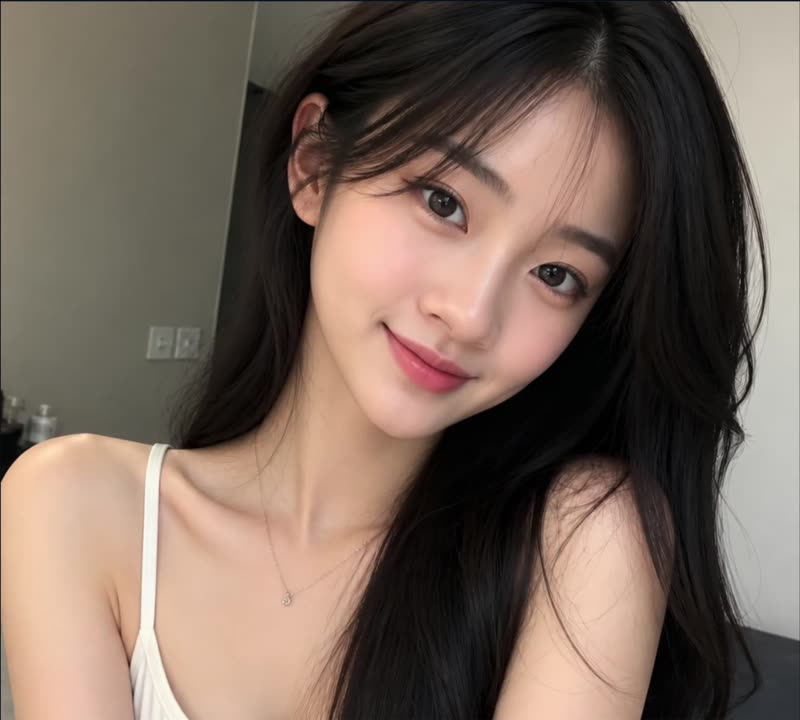
The photo you have.
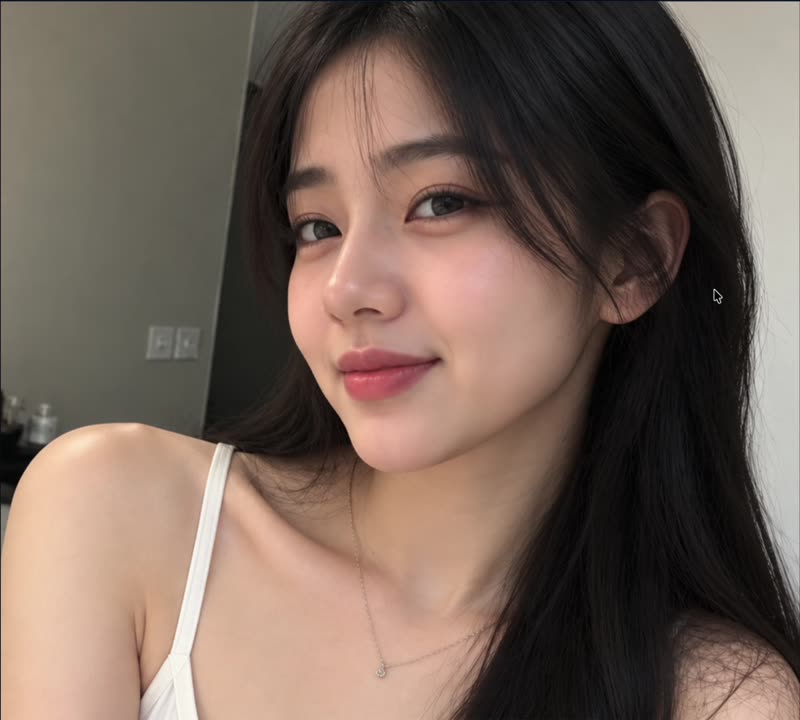
Head turned. Same person, same top, same room.
The photo you have.
Head turned. Same person, same top, same room.
Upload a photograph or start from an image you generated elsewhere in FaceHub. The features are read from the photo so the controls start where the real face is.
Work feature by feature — shape, eyes, brows, nose, lips, hair, skin tone. Each is independent, so a change to one is not a change to all of them.
Replace the background separately from the face. The same portrait can move from a plain studio backdrop to an office or a street without the person changing.
Adjust one feature without losing the rest of the photo
Face shape, eyes, brows, nose, lips, hair and skin tone, separately
Background replaced independently of the face
Keep a character consistent while varying details
Explore variations of a face without starting over
No prompt engineering for physical description
Works on photographs and on generated images
Changes are reversible while you work
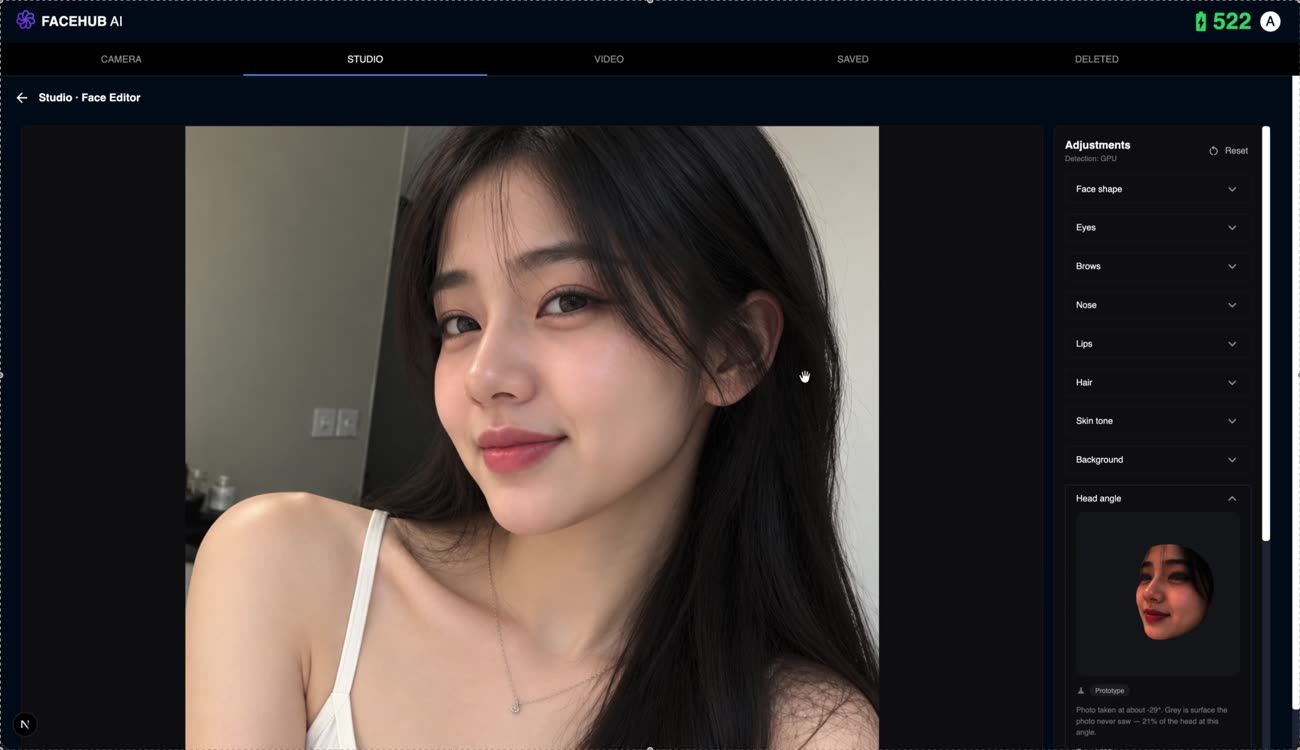
One control per thing, so changing one leaves the rest alone.
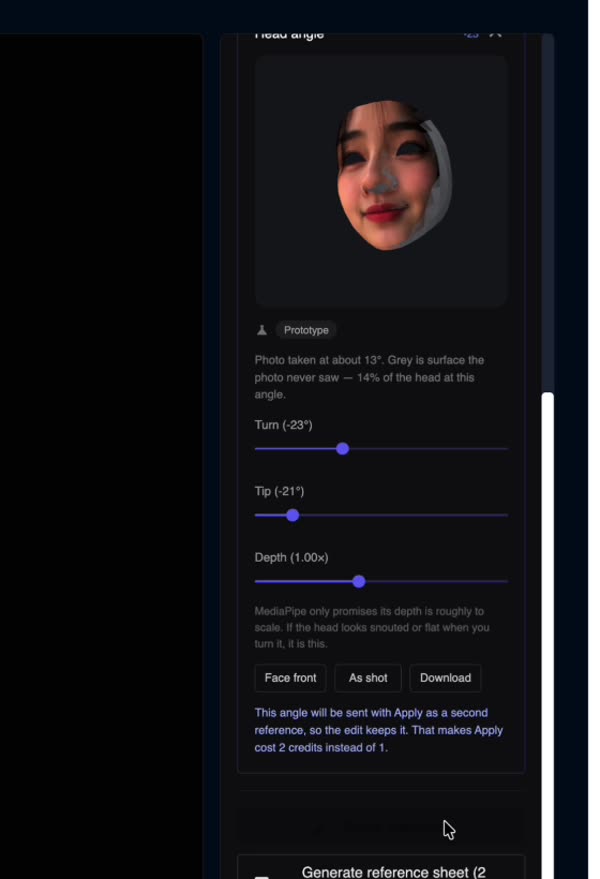
Turning the head. Grey is surface the photo never saw.
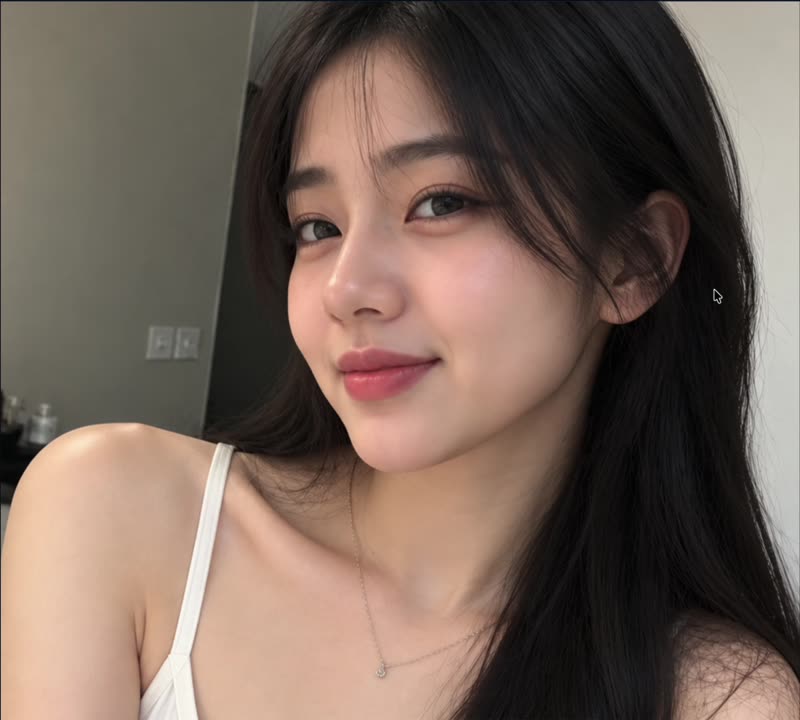
The result, at the angle you asked for.
That is what the separate controls are for. Moving one feature leaves the others alone, so identity holds as long as you are adjusting rather than replacing. Large changes to several features at once will, reasonably, produce someone else.
Yes. Upload any portrait and the controls start from the features in that photo, so you are adjusting a real face rather than generating a new one.
No. There is no second face involved and nothing is transplanted from one person onto another. You are adjusting the features of the face already in the picture.
Yes — background is a separate control. Useful for taking one portrait into several settings, or for putting a headshot on a plain ground for a profile.
A filter changes colour and texture across the whole image. This changes structure — the shape of a jaw, the set of the eyes — which a filter cannot reach.