Example Results
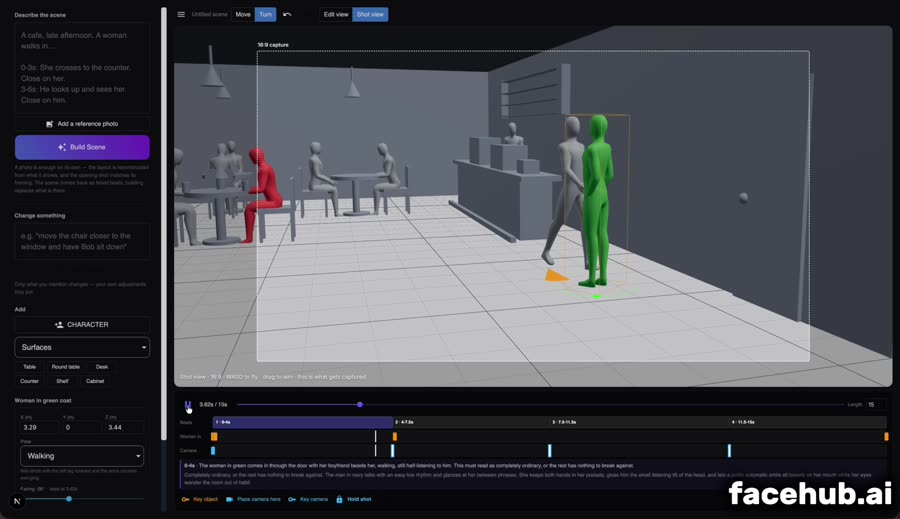
The room, blocked out. None of this needs to look good.
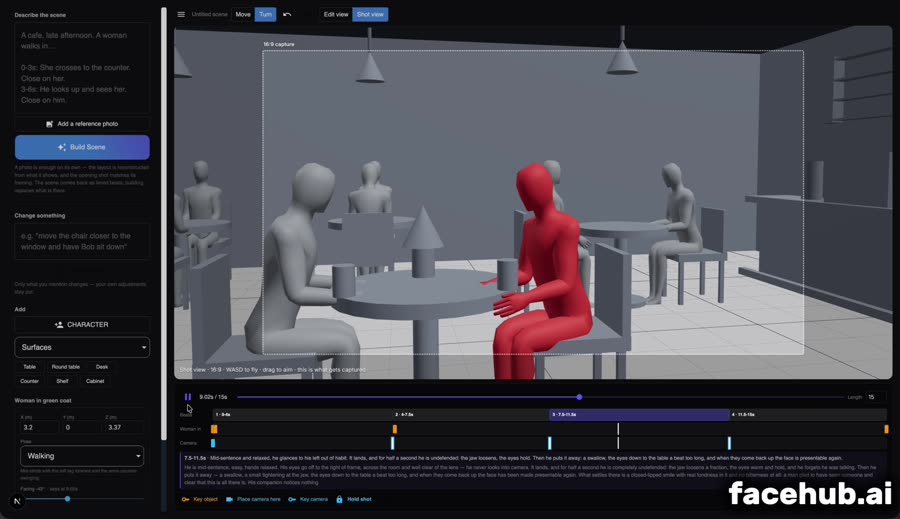
A camera placed for one shot, framing what it will see.
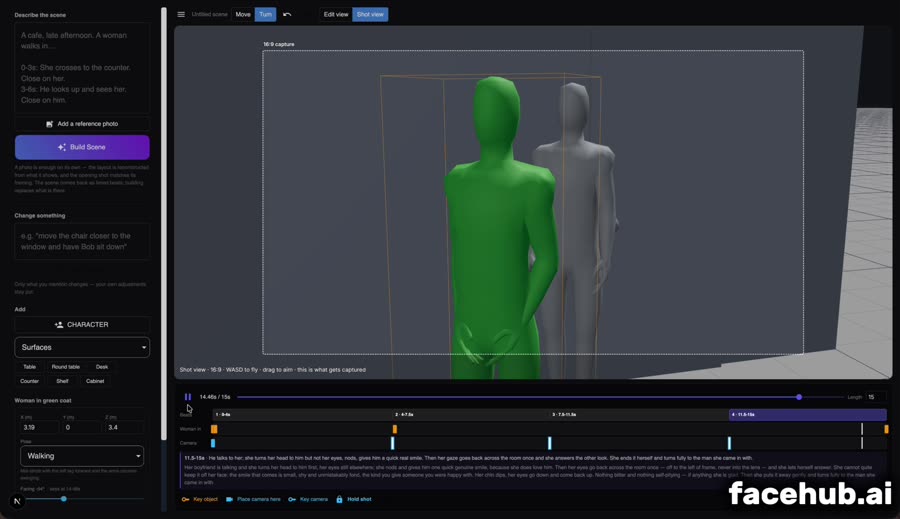
Two characters in one scene, so the eyelines are a fact.
A cafe scene blocked in 3D, four camera setups, and the generated result — 65 seconds.
Write it in plain English and the room, the furniture and the cast are laid out for you. Drag anything that is not where you want it, or add pieces by hand from the shape library.
Fly the camera to a framing and press New shot — it locks off there and holds until the next one. Move the playhead, frame the next angle, press it again. Key the action on the timeline: who moves, who turns, who is looking at whom.
Write how each beat is played — physical description of what the faces do. Attach reference photos for faces and location. The blocking is recorded as a clip and sent with a shot list naming every cut.
Hard cuts between shots instead of one drifting move
Locked-off angles that genuinely hold still
Eyelines that match across a cut, because the geometry says so
Timed beats — say what happens at 0-4s and have it honoured
Direct facial performance in words, beat by beat
Reference photos for faces and location carry through
Download the reference clip and check it before you spend a generation
No 3D modelling, rigging or camera-rig software to learn
The room, blocked out. None of this needs to look good.
A camera placed for one shot, framing what it will see.
Two characters in one scene, so the eyelines are a fact.
It can, but only if you tell it where the cuts are and show it a reference that cuts. Left to itself a video model smooths a multi-shot request into one continuous move, because each generation has no memory of the last. Here the reference clip cuts, and the prompt names every cut time.
A shot is locked off by default. Each camera you place holds its framing until the next one, so nothing moves unless you ask for it. If you want the camera to travel into a shot you turn that on deliberately for that shot alone.
Because they are real objects in one 3D scene, so the direction each one faces is the same fact in every shot. The cameras are also placed off the eyeline, and on opposite sides for a pair — two people cut together must look in opposing screen directions or they read as looking the same way rather than at each other.
Usually because the camera was placed on the eyeline: if the person they are looking at sits directly behind the lens, a correct look is a look into the lens. Putting the camera 40 to 60 degrees off the eyeline sends the look across the frame instead.
No. The scene is built for you from a description or a photo, and you move things by dragging. There is no modelling, texturing or rigging — the 3D exists to carry blocking and camera, and everything you see is grey placeholder geometry.
Up to 15 seconds per generated clip, which is the limit of the underlying video models. Fifteen seconds holds four or five separate shots — enough for a complete beat of a story.