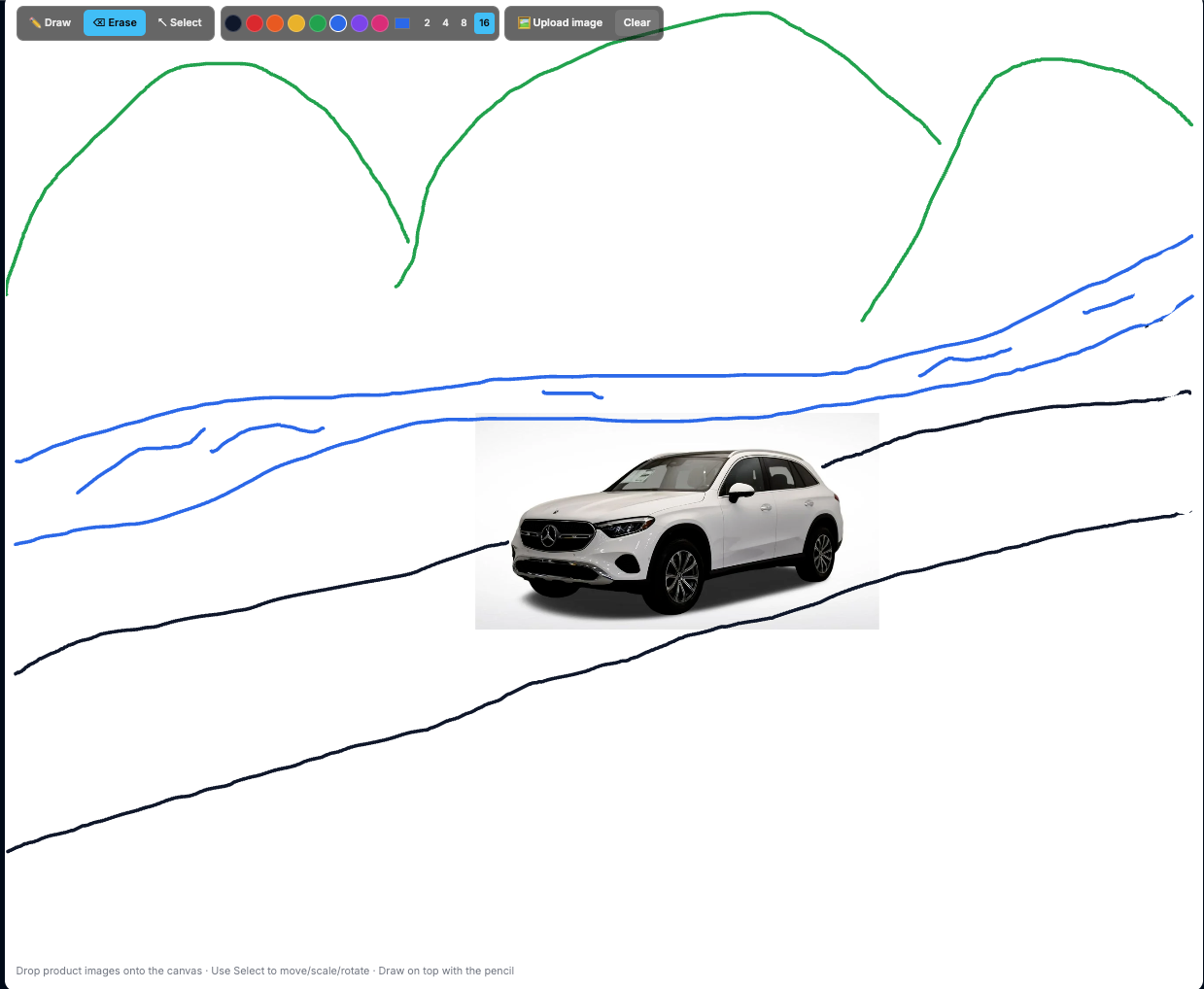
Your product, dropped in. Everything else roughed out.

Rendered, with the arrangement kept.
Your product, dropped in. Everything else roughed out.
Rendered, with the arrangement kept.
Upload the real photographs — the actual bottle, the actual box, the actual garment. Position and scale them on the canvas so they sit where the finished shot should have them.
Rough shapes mark what the rest of the frame holds: a surface here, a prop there, a window for the light. It does not need to be neat. It needs to say where things are.
The canvas carries the layout, so your words carry the finish — the material, the light, the mood. Generate variations and the arrangement stays put while the styling changes.
Your real products, not a model's impression of them
The composition you drew, kept through generation
Try many looks against one fixed arrangement
No prompt engineering for spatial relationships
Rough shapes are enough — nothing has to be drawn well
Consistent layout across a whole campaign
Works for products, interiors and full scenes
No design software required
Rough is fine. Position is what carries.
The car sits where you put it.

Product, place and person in one composition.
No. Rough rectangles and circles are enough — they exist to say where things sit, not to look like anything. The parts that need to be accurate are the product photos, and those you upload.
Your uploaded photograph is used as a reference for that object, so labels, shapes and colours come from the real thing rather than being invented.
Yes, and that is the main reason to work this way. The arrangement is fixed on the canvas, so you can generate the same composition in daylight, in studio light, on marble or on wood without re-describing where anything goes.
Closely, but it is guidance rather than a hard mask. Large, clearly separated elements hold their positions best; several small objects crowded together give the model more room to reinterpret.
A prompt describes a layout in a sentence and the model reconstructs one. Here the layout already exists as an image, so there is nothing to reconstruct — the model dresses an arrangement instead of guessing at one.