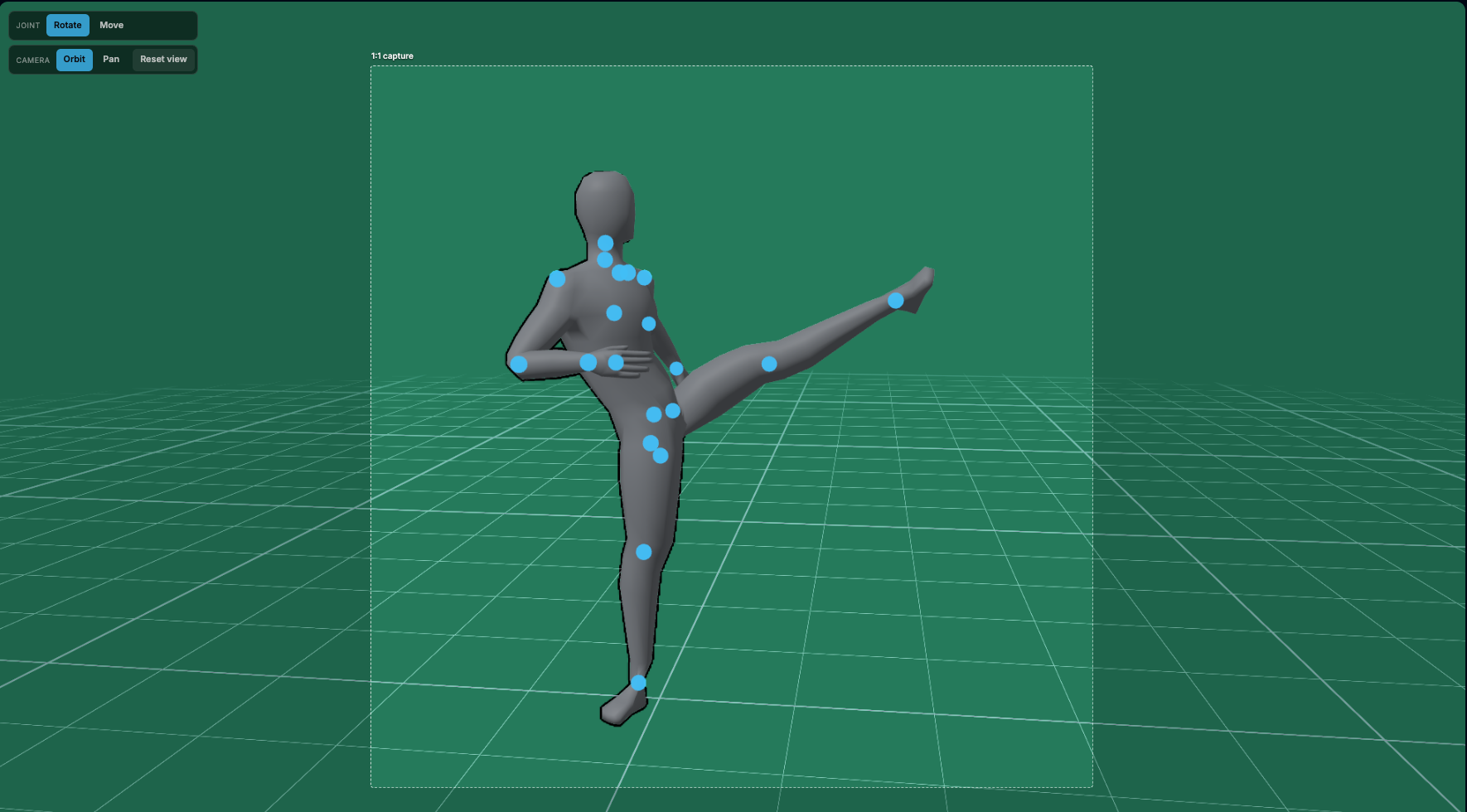
The pose you build, joint by joint.
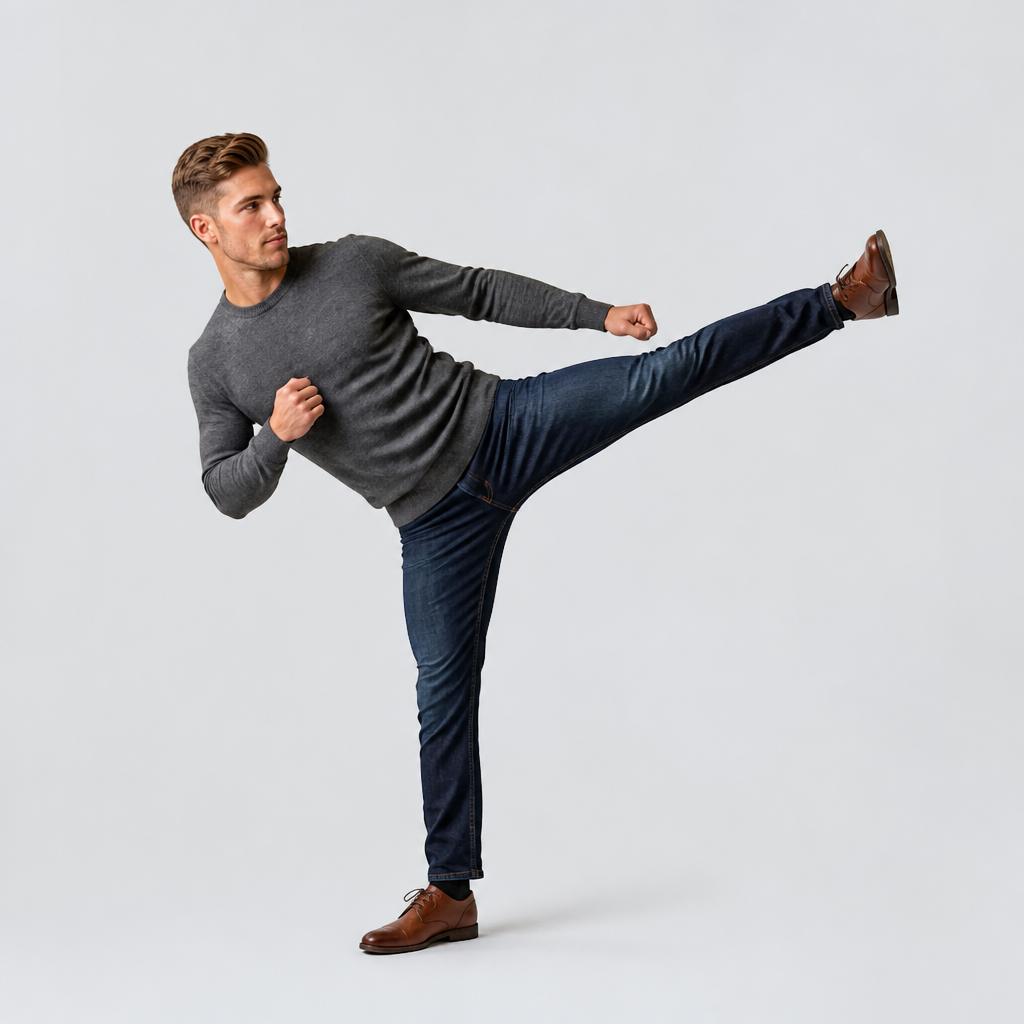
The photograph you get, at the same angle.
The pose you build, joint by joint.
The photograph you get, at the same angle.
Drag the model into position and adjust limbs directly. Start from a preset — standing, seated, walking, hands in pockets, leaning in — and move on from there, or build the pose from scratch.
Orbit and fly the camera to set the angle and the crop. Low and heroic, eye level and neutral, a tight close-up: the framing you compose is the framing that gets generated.
The geometry carries the pose and the camera, so your words carry everything else — who they are, what they are wearing, the light. Add a reference photo to keep a consistent face across shots.
Set an exact pose without owning a reference photo
Choose the camera angle and crop deliberately
Repeat the same pose across an entire series
Start from presets for common stances
Keep one face consistent with a reference image
No 3D software, rigging or modelling to learn
Iterate on the pose without re-rolling the whole image
Works for single figures and full scenes alike
Drag any joint. Orbit until the framing is right.
Generated to match, not approximated.
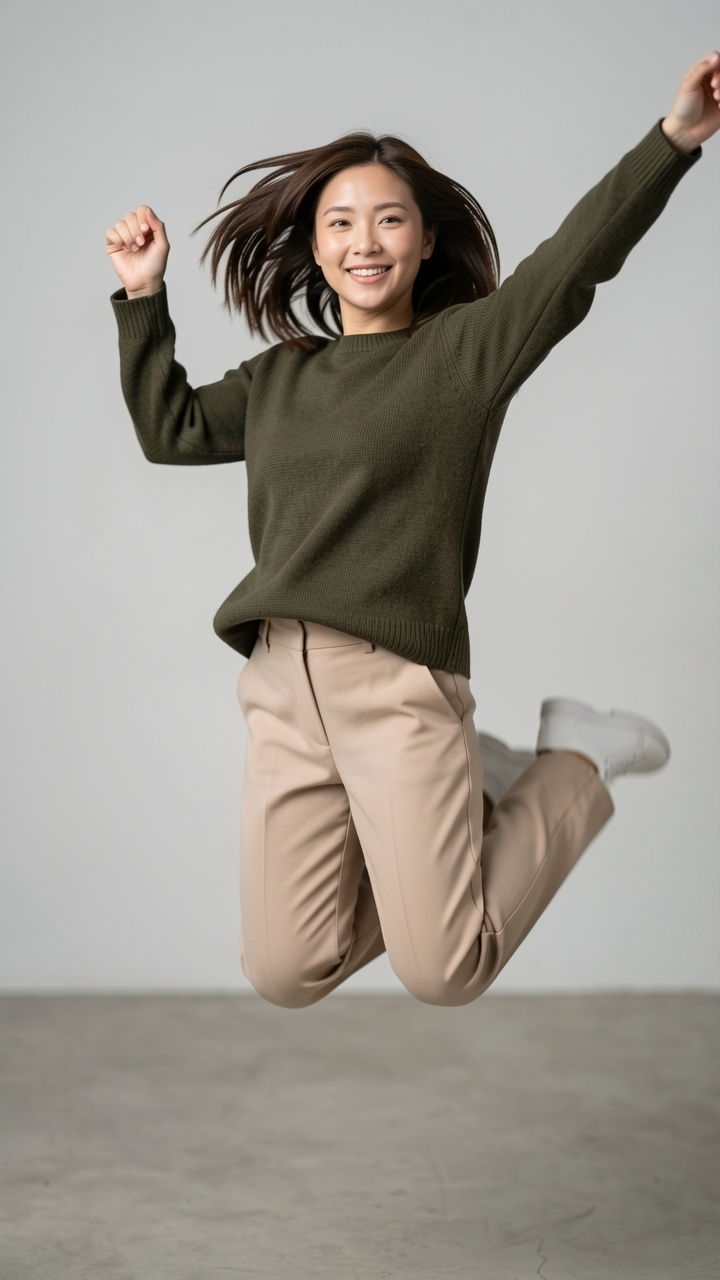
Poses a prompt will not hold on its own.
No — that is the point. Pose-transfer tools copy a pose out of a photo you already have. Here you build the pose on a 3D figure, so you can create poses no photo of yours exists for.
No. You drag limbs with the mouse and orbit the camera. There is no modelling, texturing, rigging or rendering — the 3D figure is a posing aid, and what you export is a photograph.
Yes. Attach a reference photo and it is used for that character in every generation, so you can build a series of shots of the same person in different poses.
Yes, and they are separate controls. You orbit and fly the camera independently of the figure, so the same pose can be shot from a low angle, at eye level, or in close-up.
The geometry is a strong constraint rather than an absolute one — image models still interpret. Tighter framing tracks the pose more closely than a wide shot, because more of the frame is the body you posed.