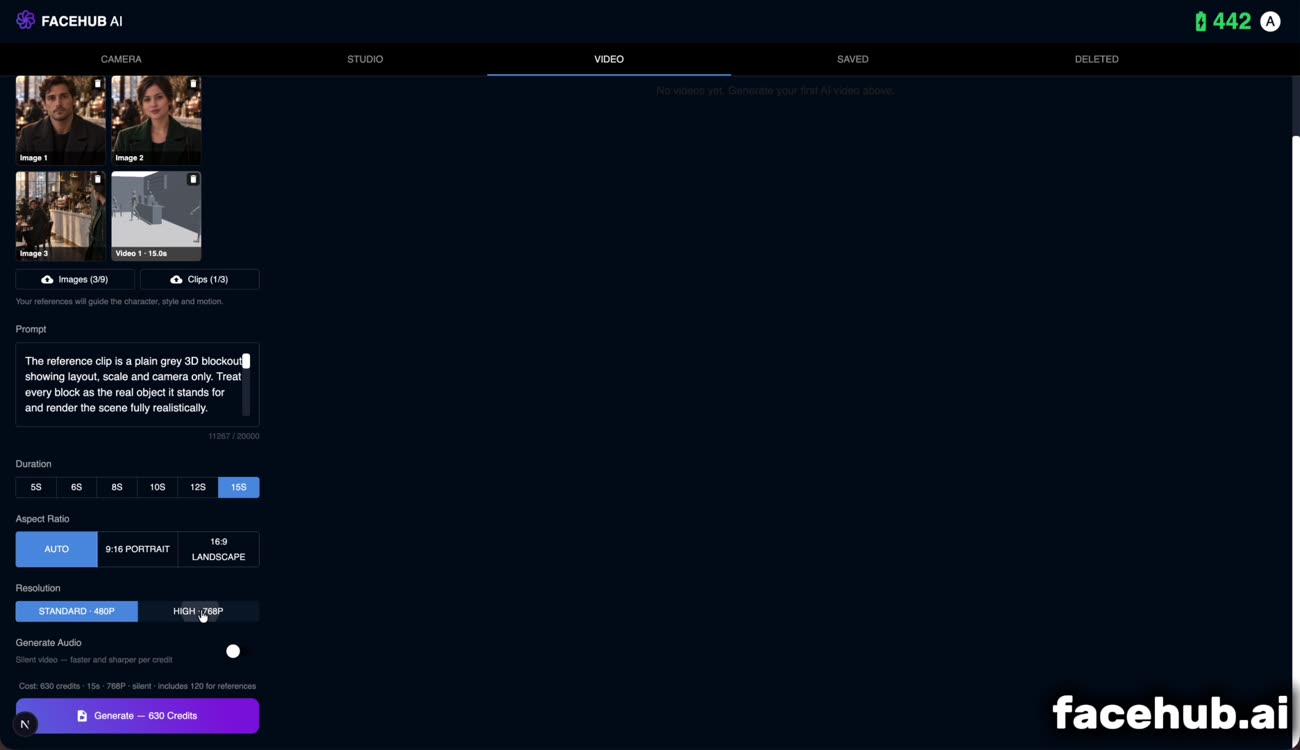
What you hand it: your references, your shot, your timing.
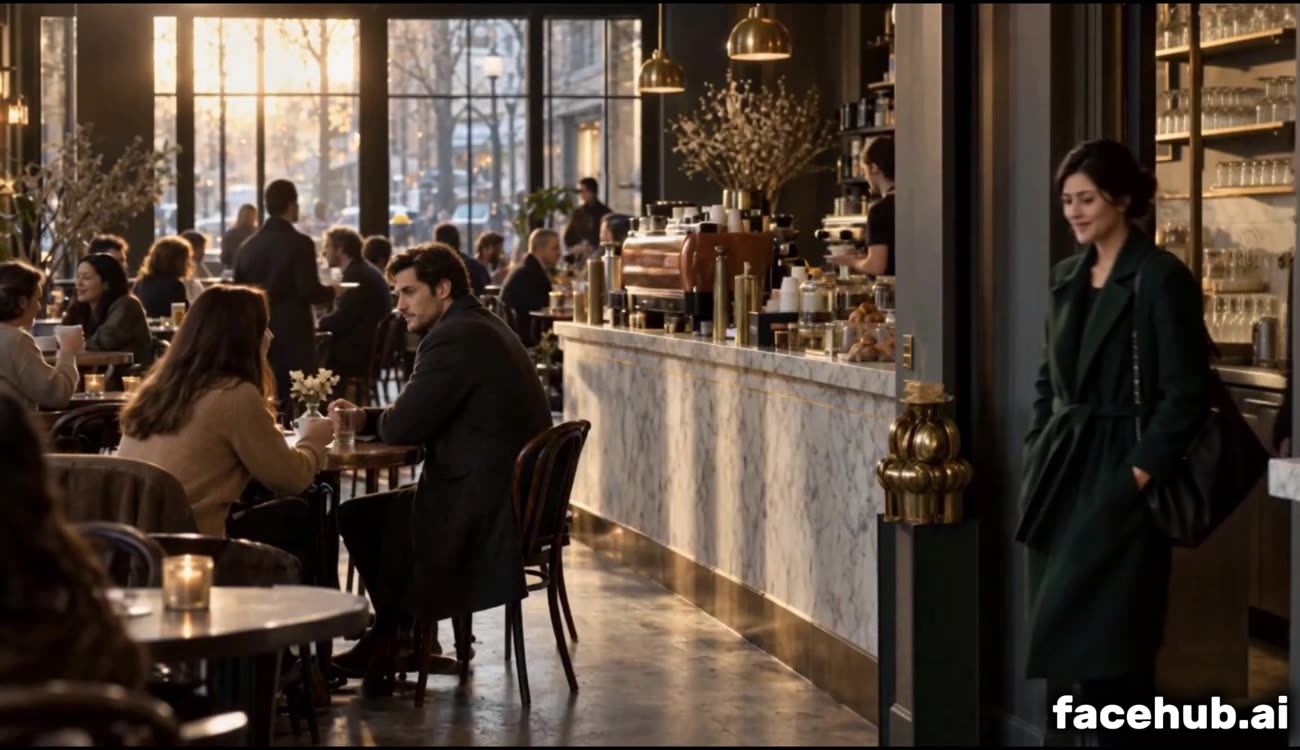
What comes back.
What you hand it: your references, your shot, your timing.
What comes back.
A clip for motion, images for faces and places, or a single still to animate. What you attach decides how the shot is made — you never pick a mode.
Say what happens, and name your references directly so the model knows who is who. Physical description of performance works far better than emotion words.
Five to fifteen seconds, standard or high. The cost is shown before you commit, and reference clips are billed by the second so you can see what a longer take costs.
A reference clip sets the camera move and the timing
Reference images hold faces, products and locations steady
Animate a single still as an opening frame
Or generate from a description alone
Up to 15 seconds, standard or high quality
Cost shown before you generate, never after
Name references in the prompt to say who is who
Blocked scenes from the Scene Designer come straight through
The wide, as it was blocked.
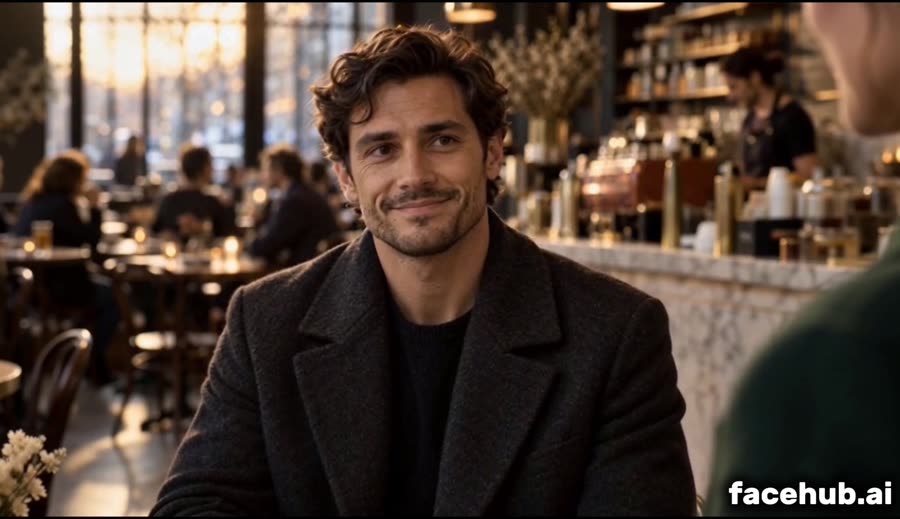
The cut to his close-up, on the beat it was given.
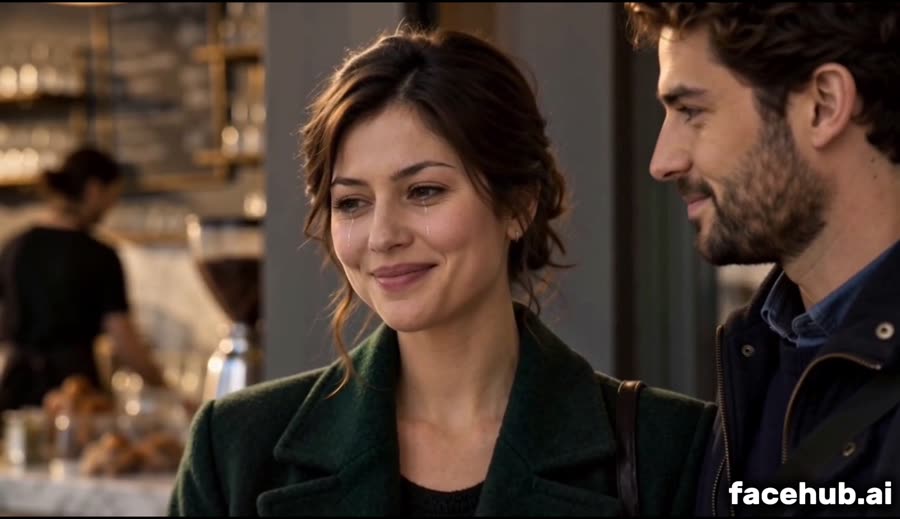
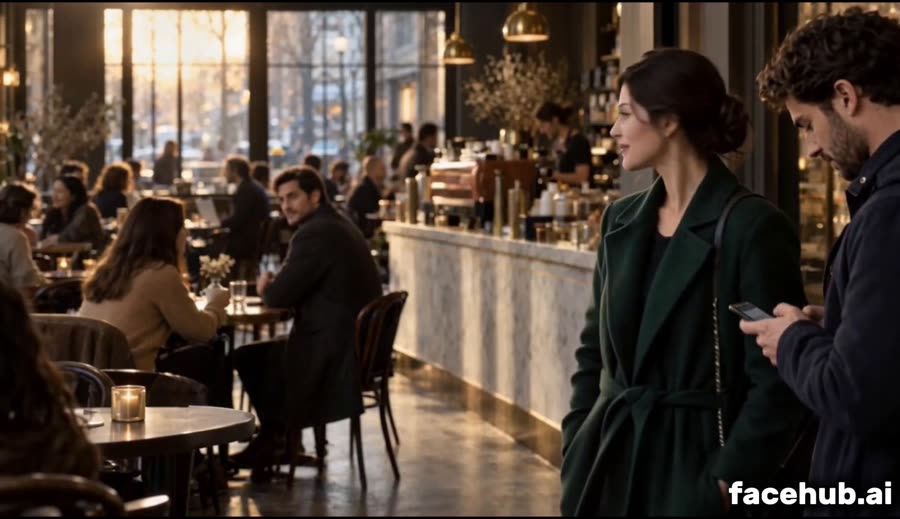
The two-shot — both of them still looking at each other.
Movement and timing — how the camera travels, when it stops, where the cuts fall. It does not control appearance: every surface in it is treated as a placeholder, and the look comes from your reference images and your prompt.
They do different jobs. Images fix identity — the same face, the same product. A clip fixes motion. For a shot where the camera has to do something specific, only a clip can say so; for a shot where a person must be recognisable, only images can.
Name them in the prompt. Write "Image 1 is the man in the charcoal coat" and the citation is rewritten into whatever form the underlying model expects before it is sent.
Between five and fifteen seconds per generation, which is the limit of the underlying models. Longer pieces are made by generating shots and cutting them together.
Credits scale with length and quality, and reference clips add a per-second charge because they are metered separately by the model. Reference images cost nothing extra. The full figure is shown before you generate.
Any video you own works. Or build one: the Scene Designer records your blocked scene — camera moves, cuts and all — as a clip made for exactly this.