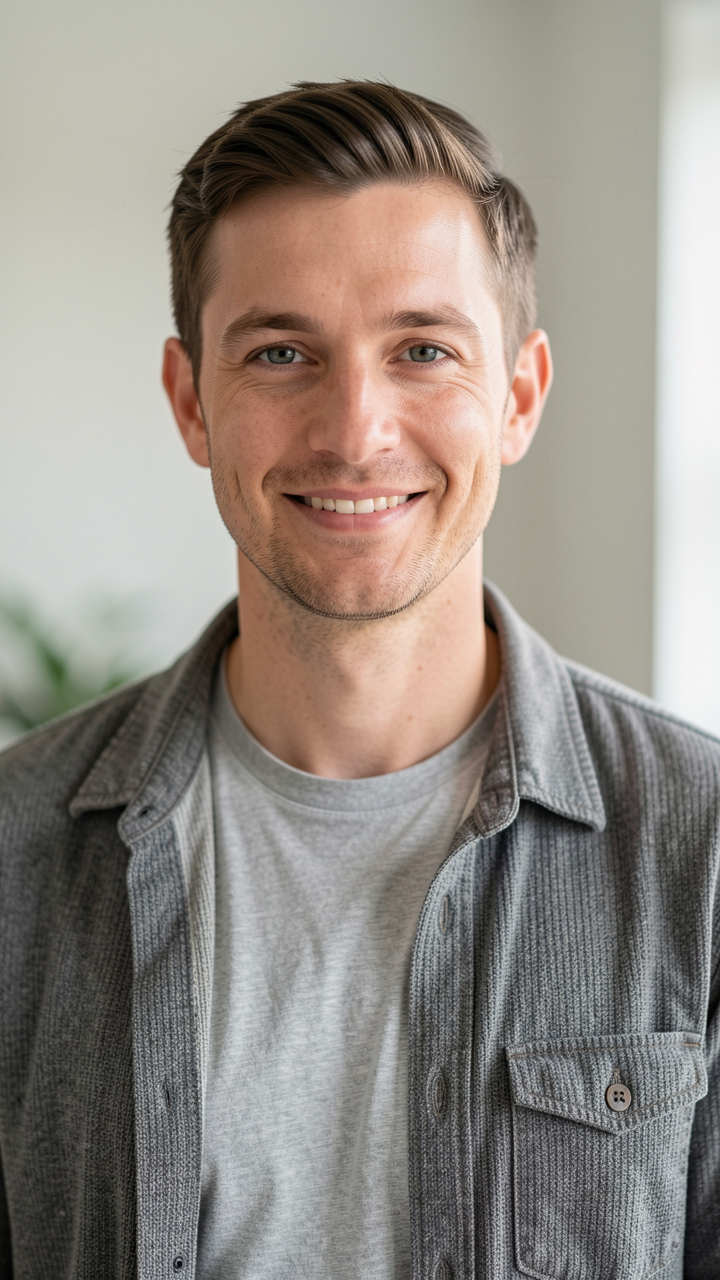
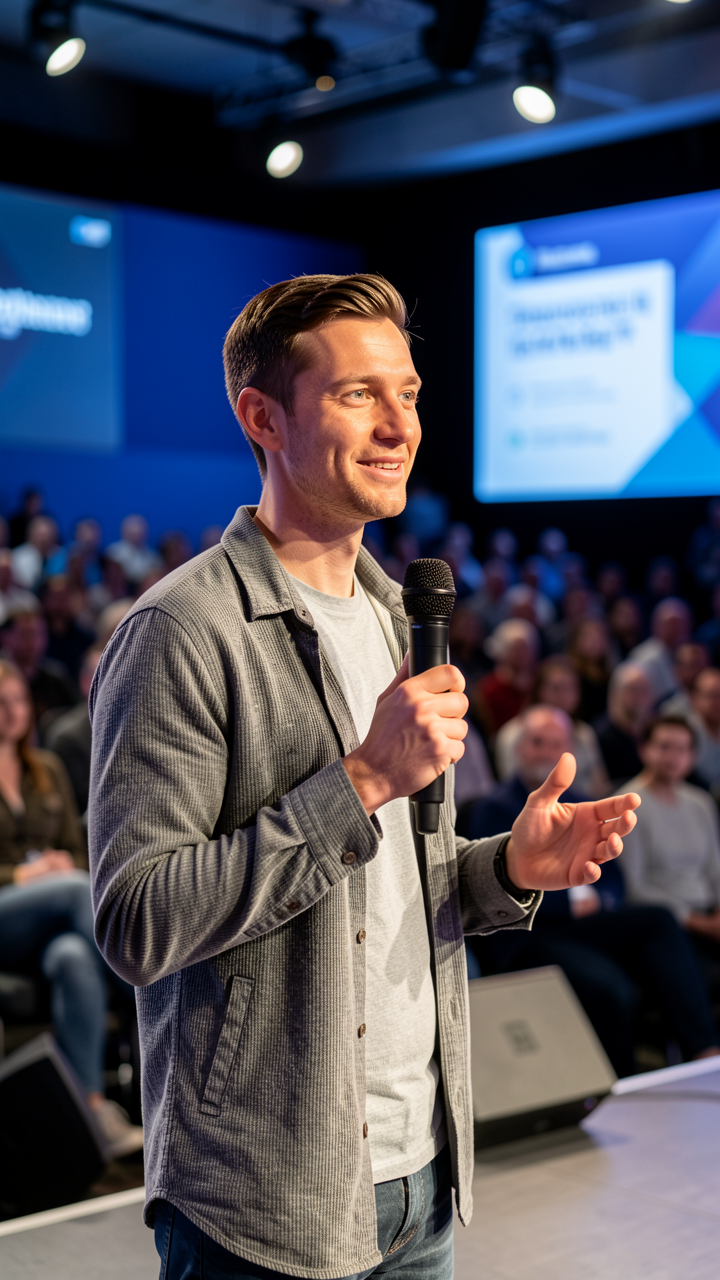
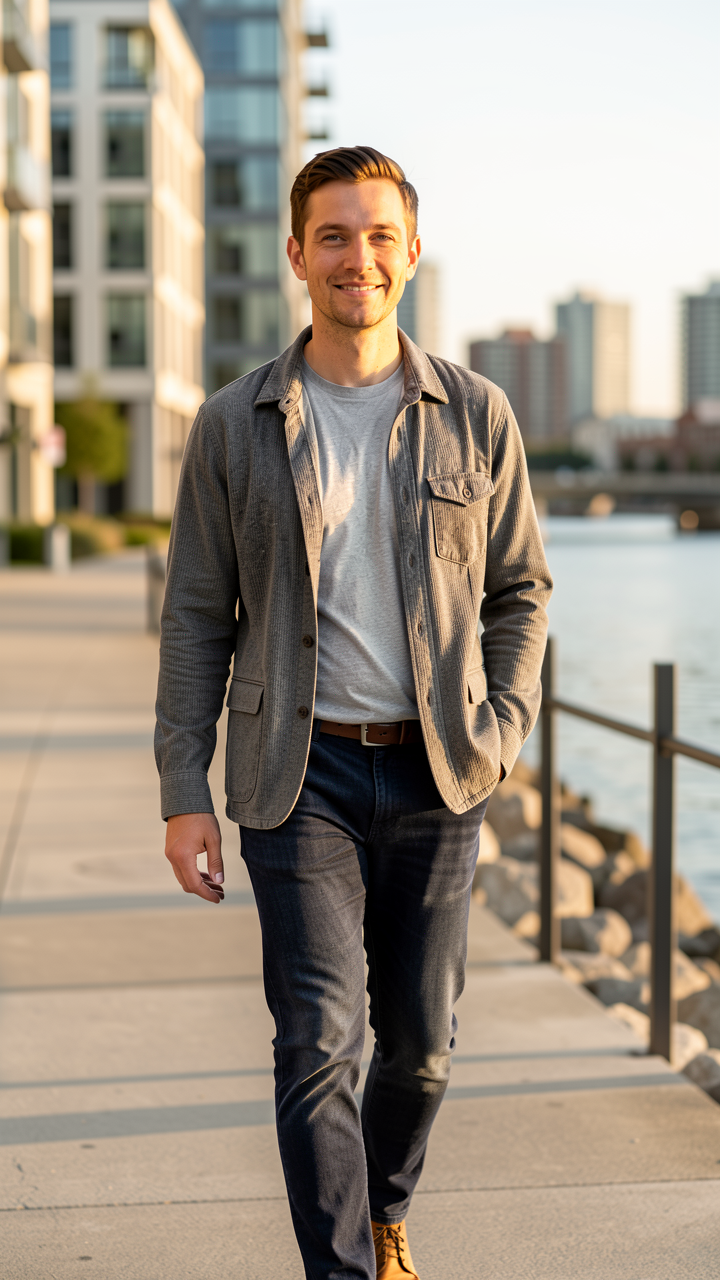
One clear, well-lit photo is enough. The AI learns the face and reproduces it faithfully across every generation.
Choose image generation for static campaign assets, or switch to Video mode and describe what they should say or do. The AI handles lip sync, motion, and audio.
Tell the AI what you need: 'On stage at a tech conference', 'Holding our product in a minimalist kitchen', 'Outdoor brand campaign with warm light'. Be specific.
Get campaign-ready images at ad resolution. Generate 5, 10, or 20 variations in a single session for the entire quarter.
Consistent face across all marketing assets
Unlimited campaign contexts from one reference
No scheduling, no hair/makeup, no studio
Generate a full quarter of content in one session
Seasonal and campaign-specific variations on demand
Ad-resolution output for Meta, Google, print
Works for founders, models, mascots, and personas
Full commercial license for all outputs
AI video generation with voice & lip sync
Spokesperson videos from a single photo
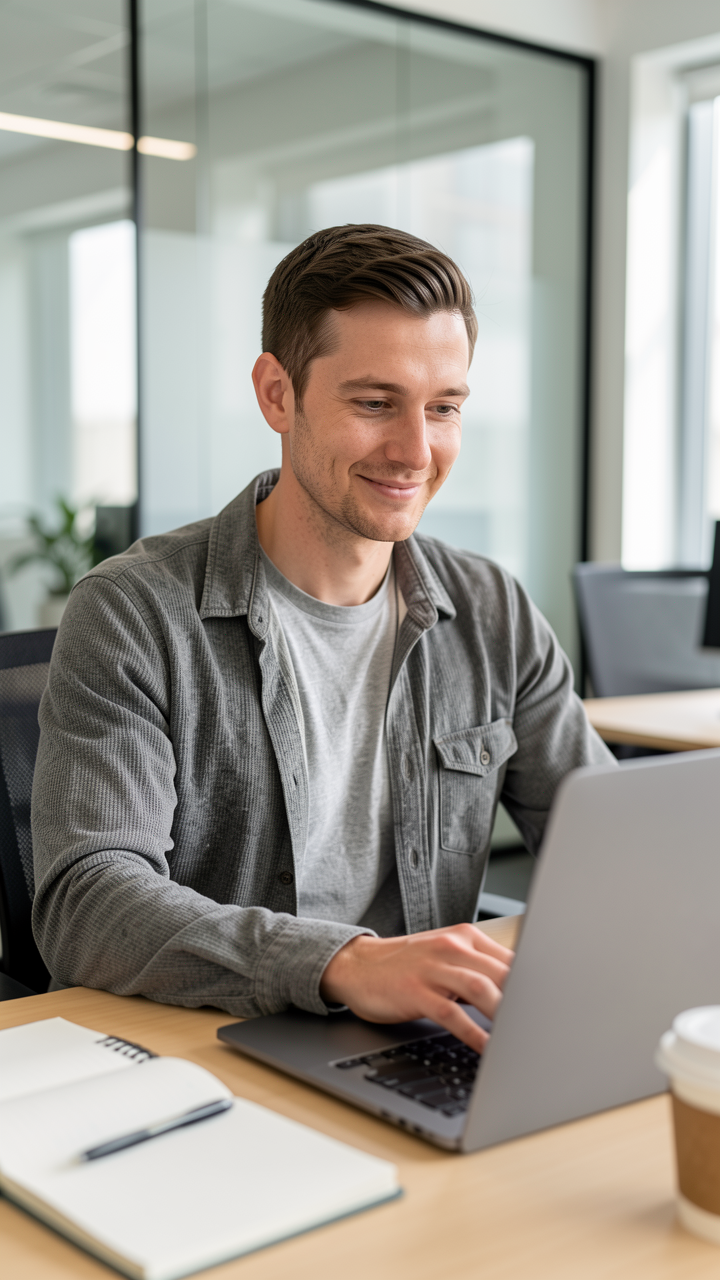
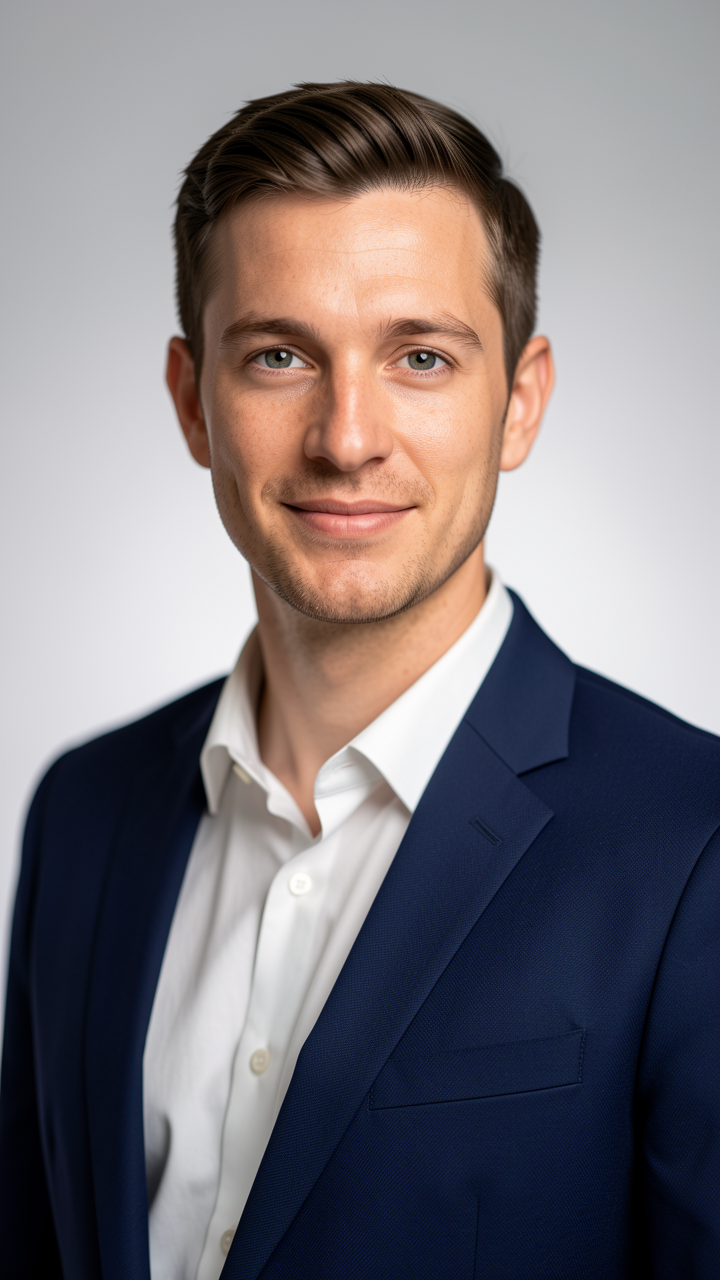
Yes. Using the same reference photo each time keeps the face consistent. For highest consistency, always upload the same reference image.
Yes. If you've designed a brand mascot, character, or virtual persona, upload a reference image of that character and generate them in any context.
Yes. Save separate reference photos for each ambassador and generate contexts for each independently. Great for agencies managing multiple talent.
Outputs are high-resolution PNG files suitable for digital ads, social media, and print materials up to large format.
Yes. Switch to the Video tab, upload your reference photo, and describe what you want them to say or do in the prompt. The AI generates a short video with lip-synced speech and natural motion.